
Wedding dress guide Say yes to the dress. Before the fitting.
Hundreds of gowns, only a few boutique appointments. Shortlist dresses from any website, see each one on your own photo, and walk into the fitting knowing what suits you.
Get the app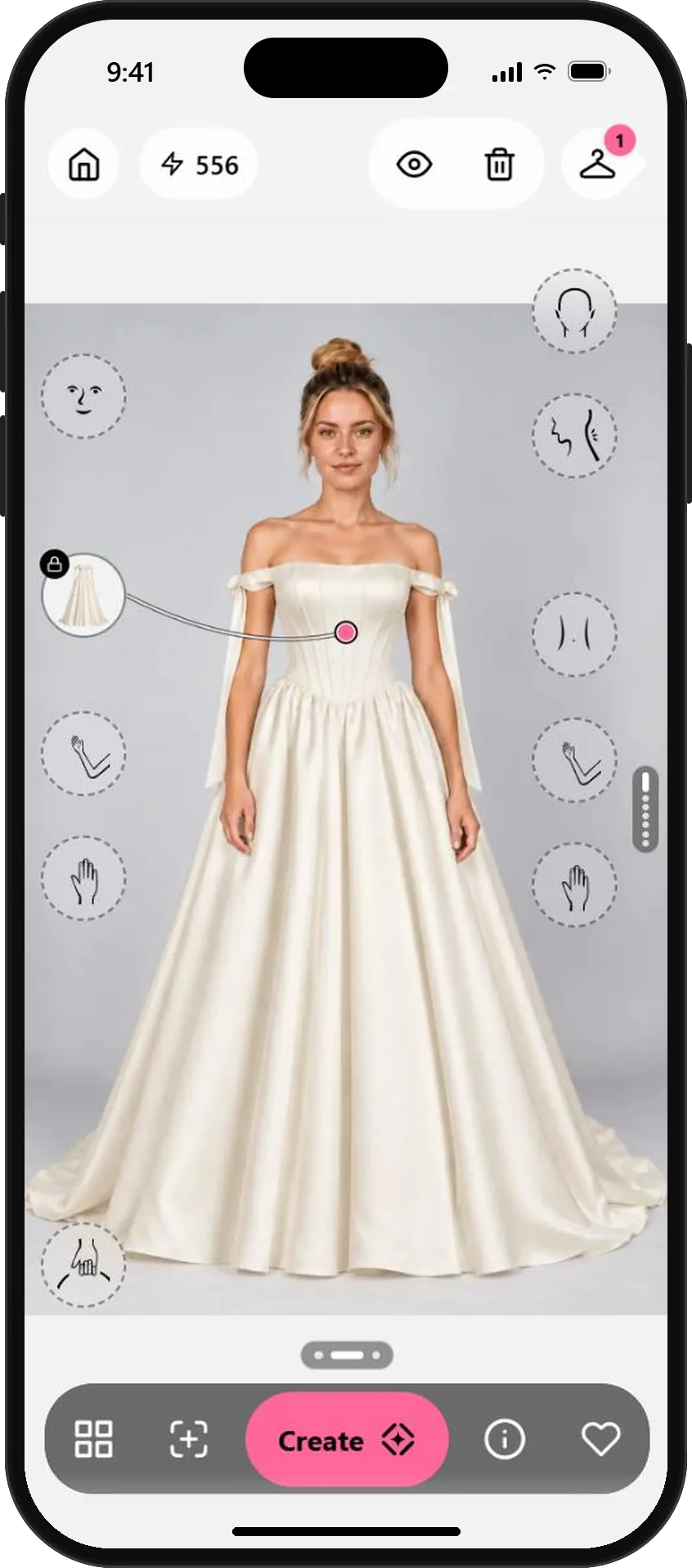
Four steps from screenshot to the one.
- 01
Screenshot the dresses you love
Browse bridal shops and boutique sites on your phone. When a gown catches your eye, take a screenshot of the product page. Choose photos where the whole dress is visible, ideally on a model facing the camera.
Save a few different silhouettes, such as A-line, ball gown and mermaid. Seeing them side by side is where the surprises happen.
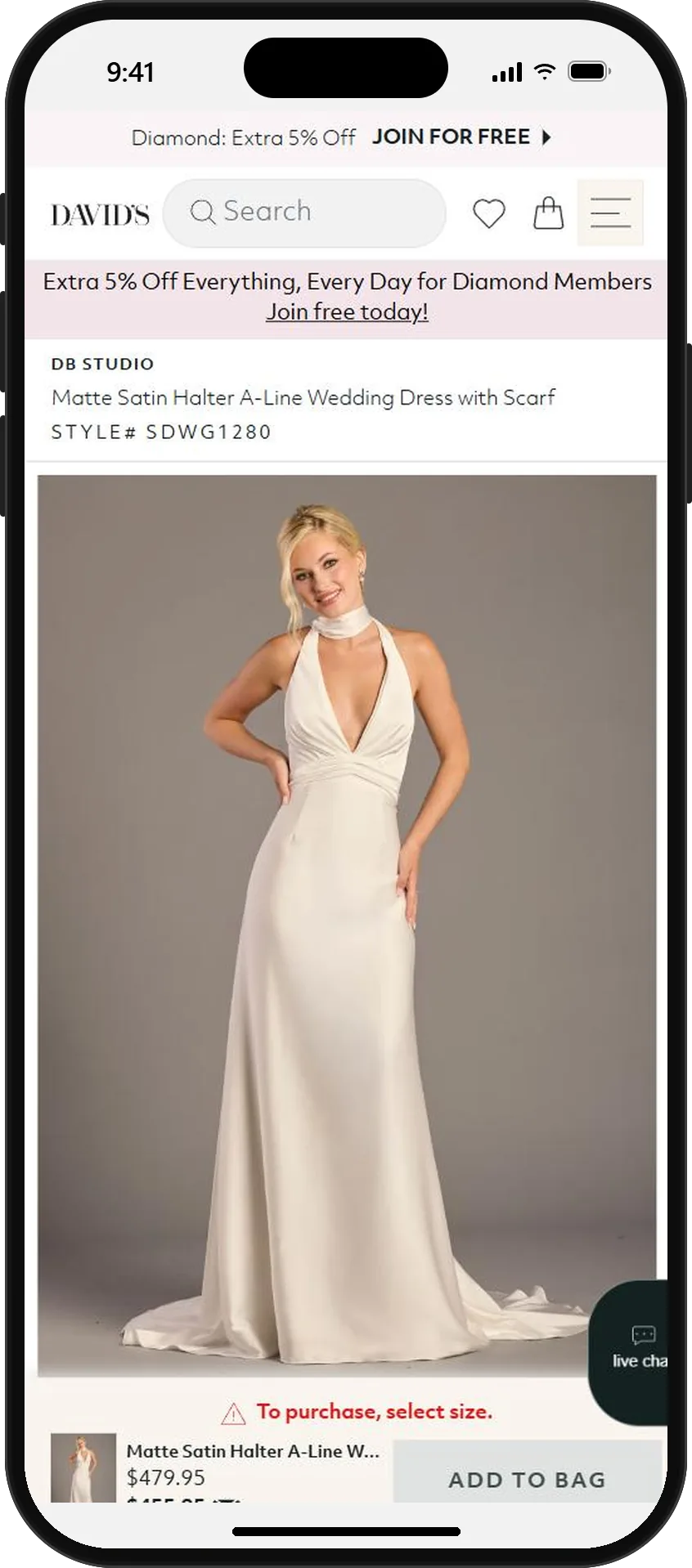
A satin halter A-line gown 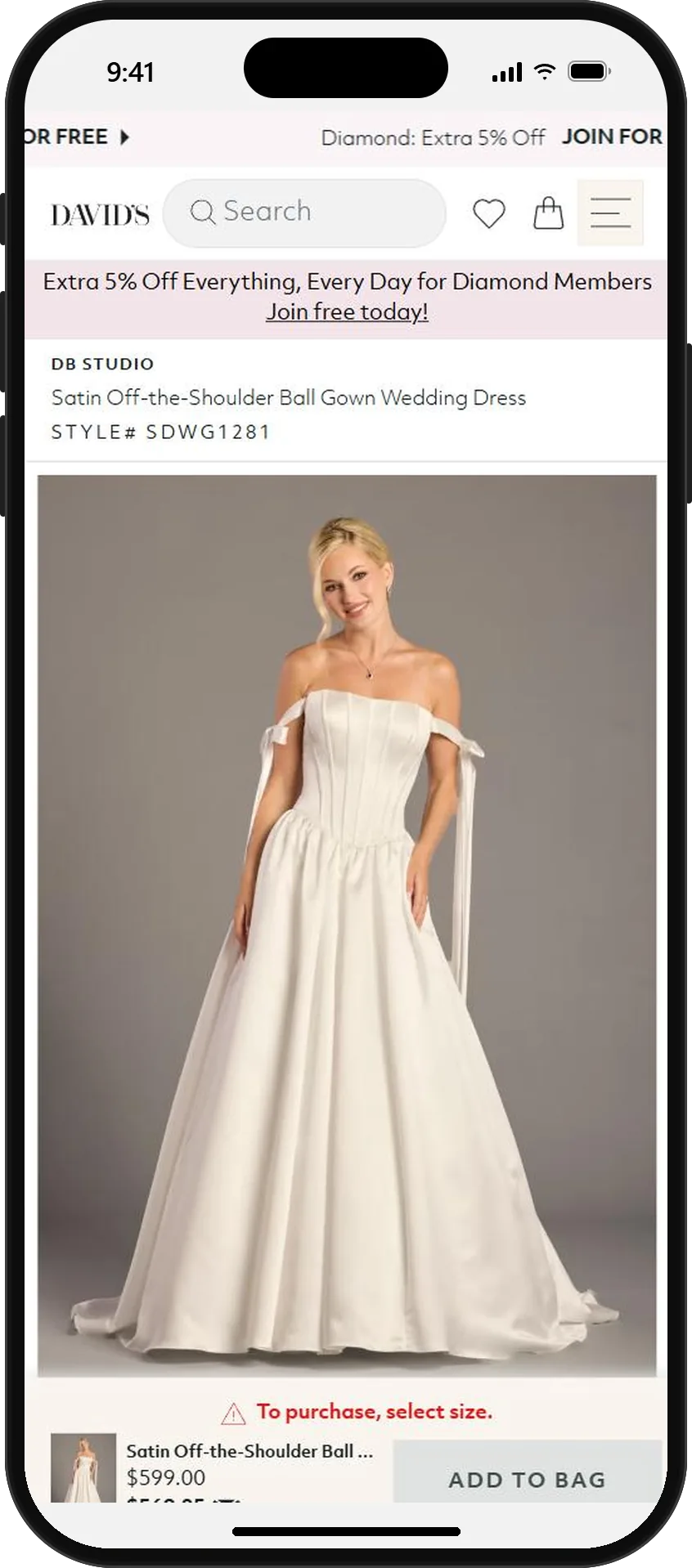
An off-the-shoulder ball gown 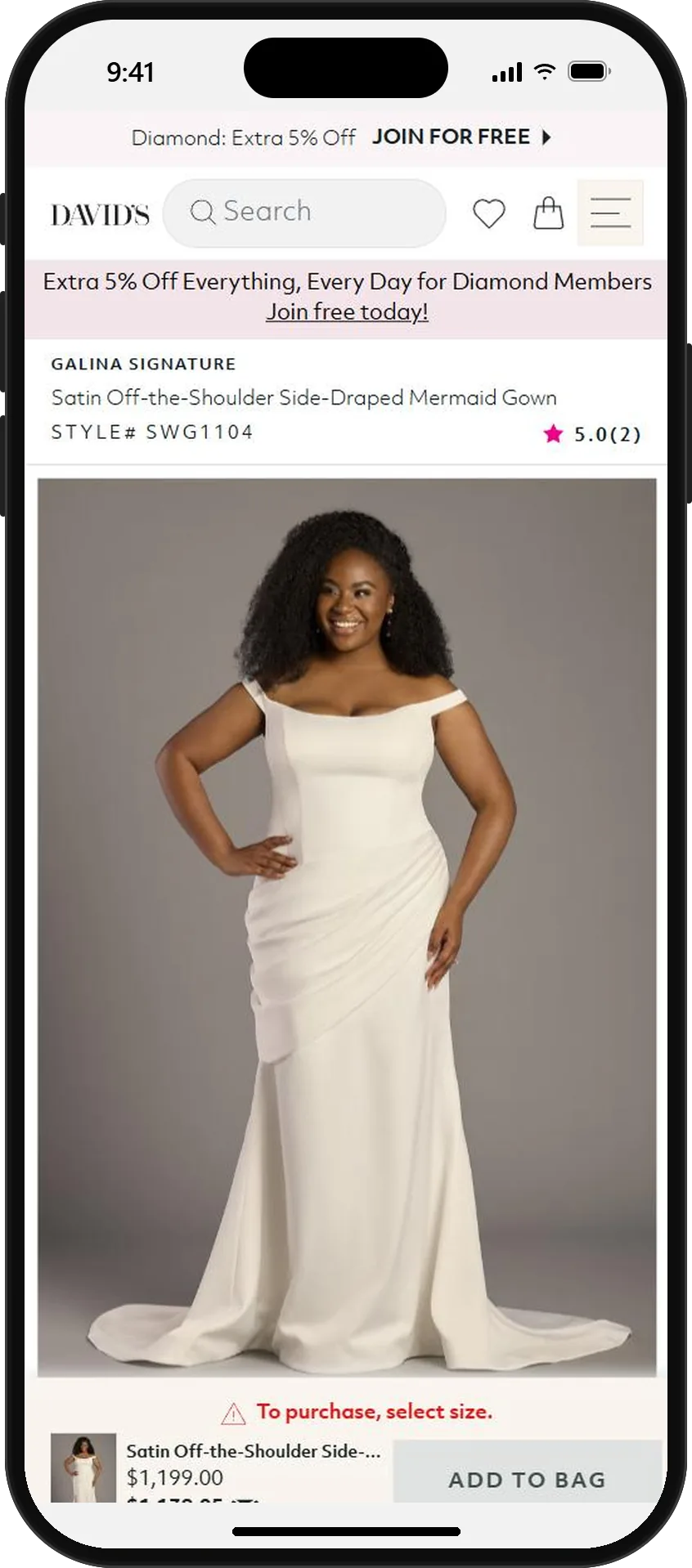
A side-draped mermaid gown - 02
Add the screenshots to My wardrobe
In OutfitMe, open Wardrobe, tap Add, then Choose a photo and pick a screenshot. The app finds the dress in the picture, cuts it out of the page and saves it as a wardrobe piece with its own description. Turn on Pro view for a clean, studio-style product image.
One screenshot can hold several pieces. You choose which ones to save before anything is added.
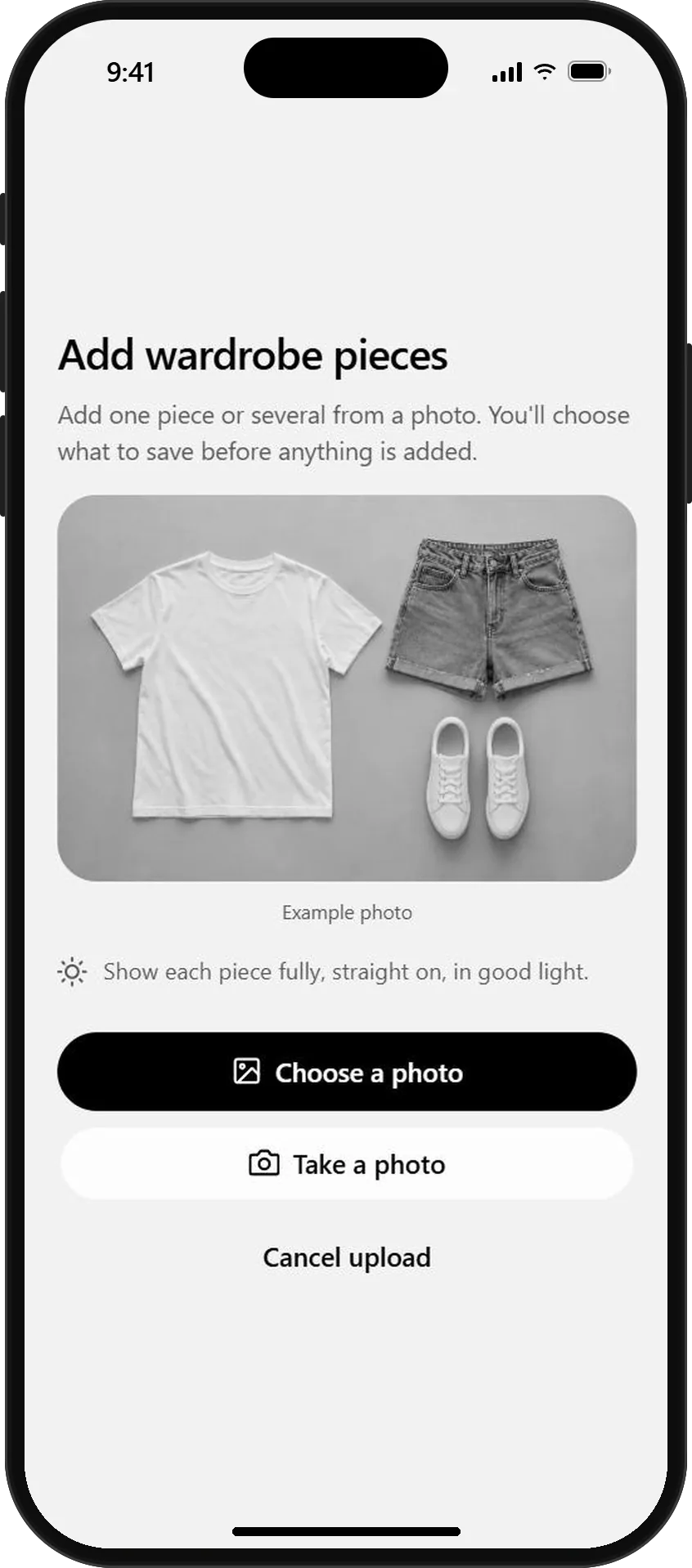
Add pieces from any photo or screenshot 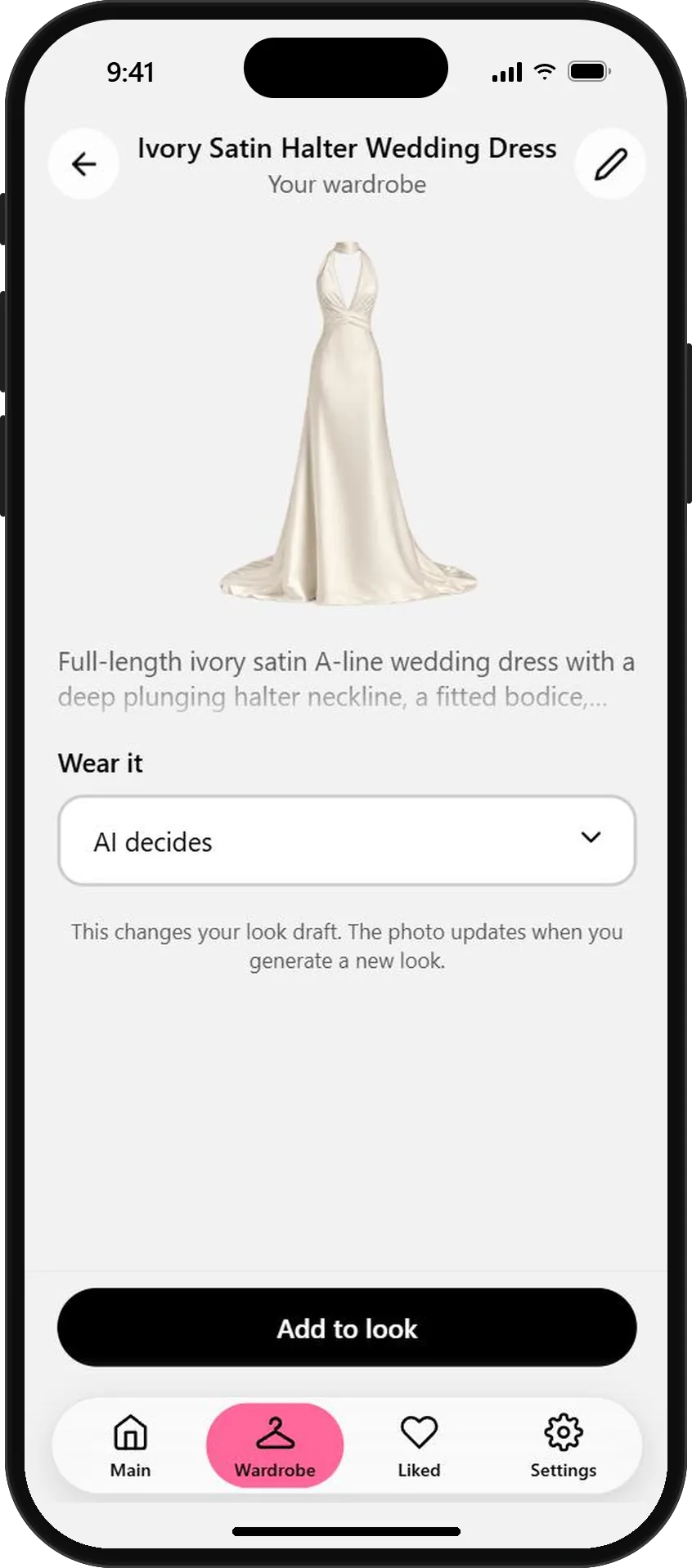
Each gown becomes a clean, described piece 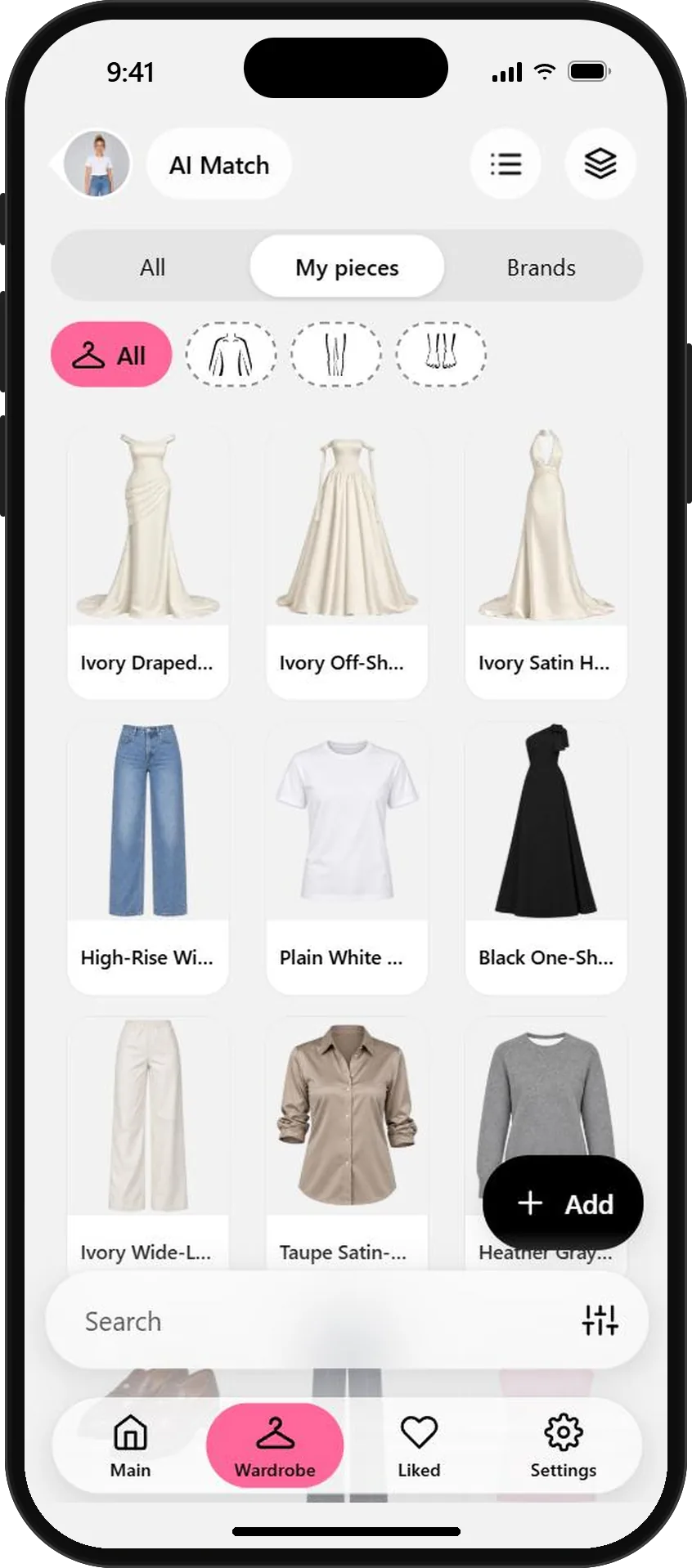
Your whole shortlist in My pieces - 03
Create a look with every dress
Open your look, pick a gown in My pieces and tap Add to look. Tap Create, and OutfitMe dresses your own photo in it. Each gown takes one credit and about a minute. Repeat for every dress on your shortlist.
Use a full-length photo where you stand straight and face the camera. It gives the train and the hem room to show.
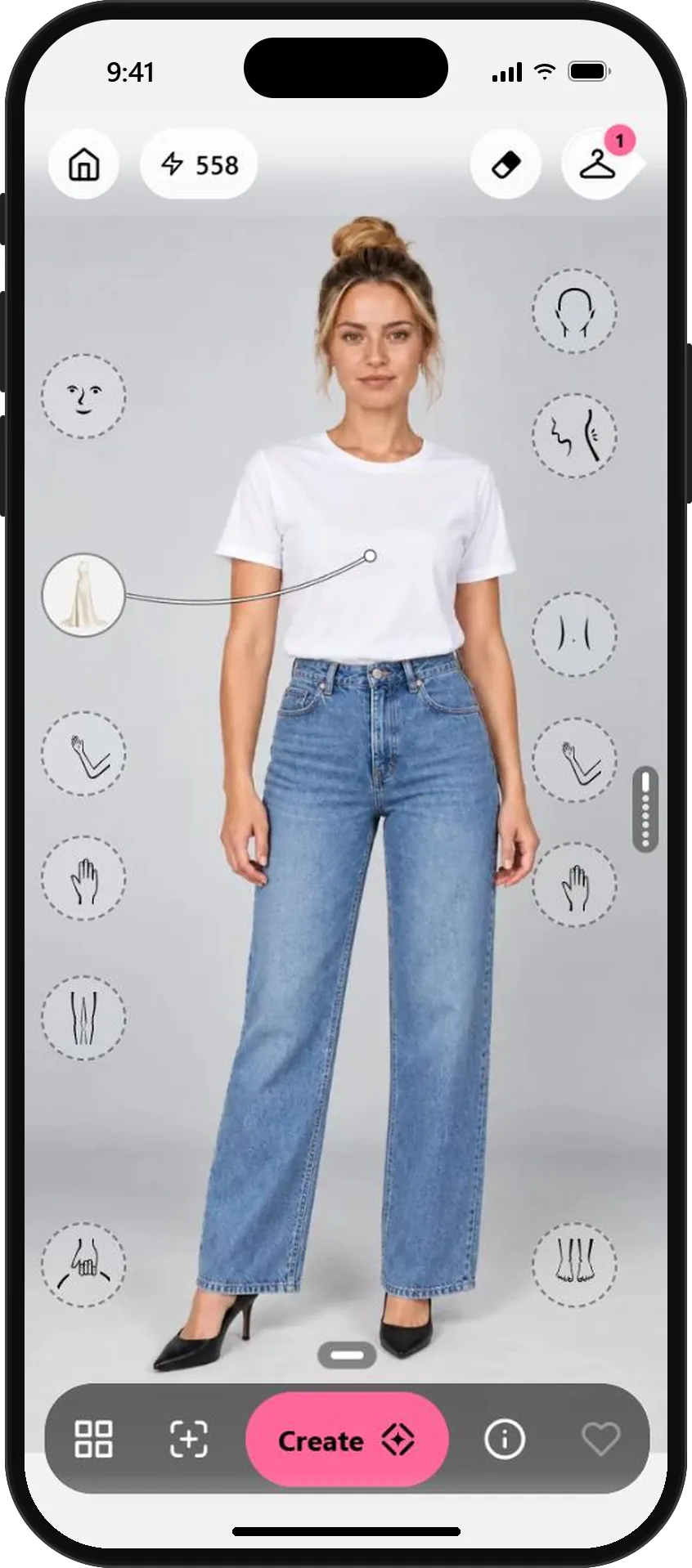
The gown waits in the torso slot 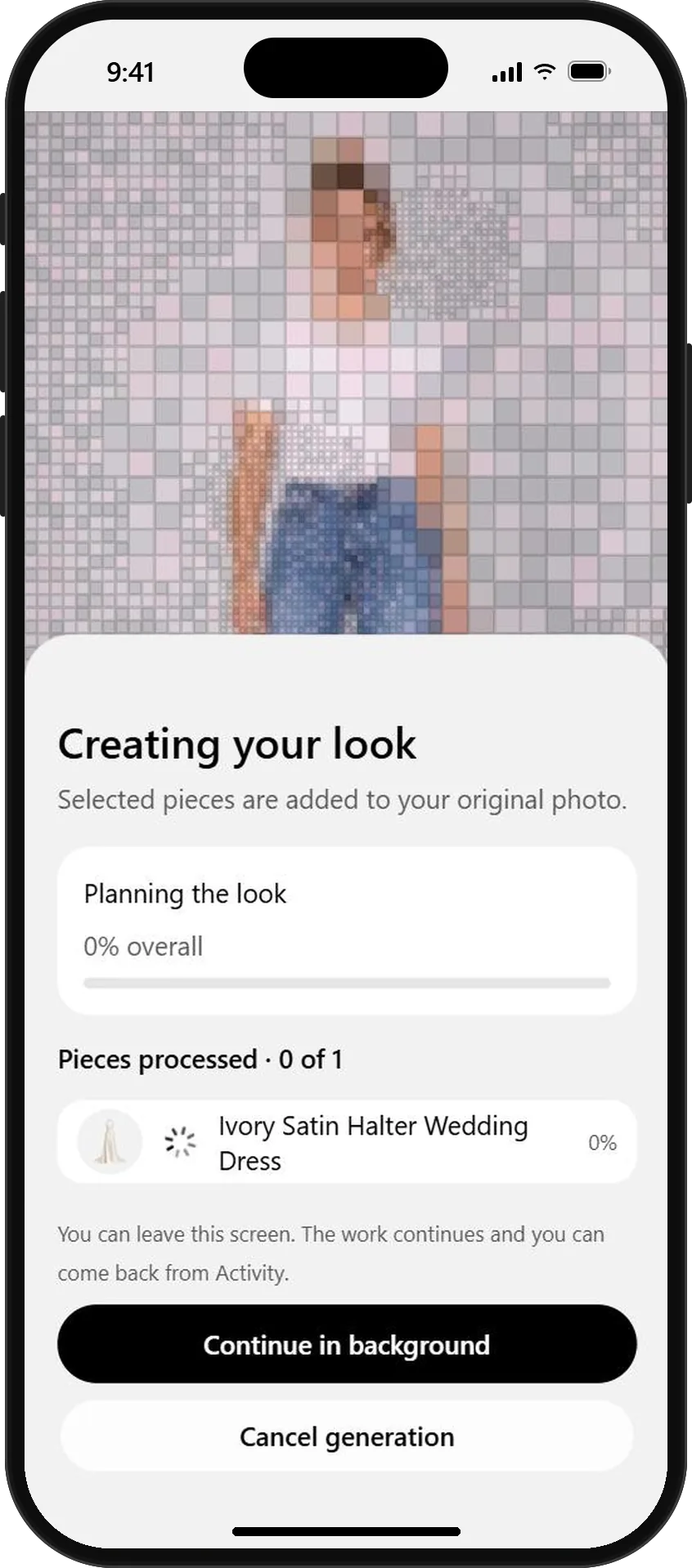
OutfitMe creates the look on your photo 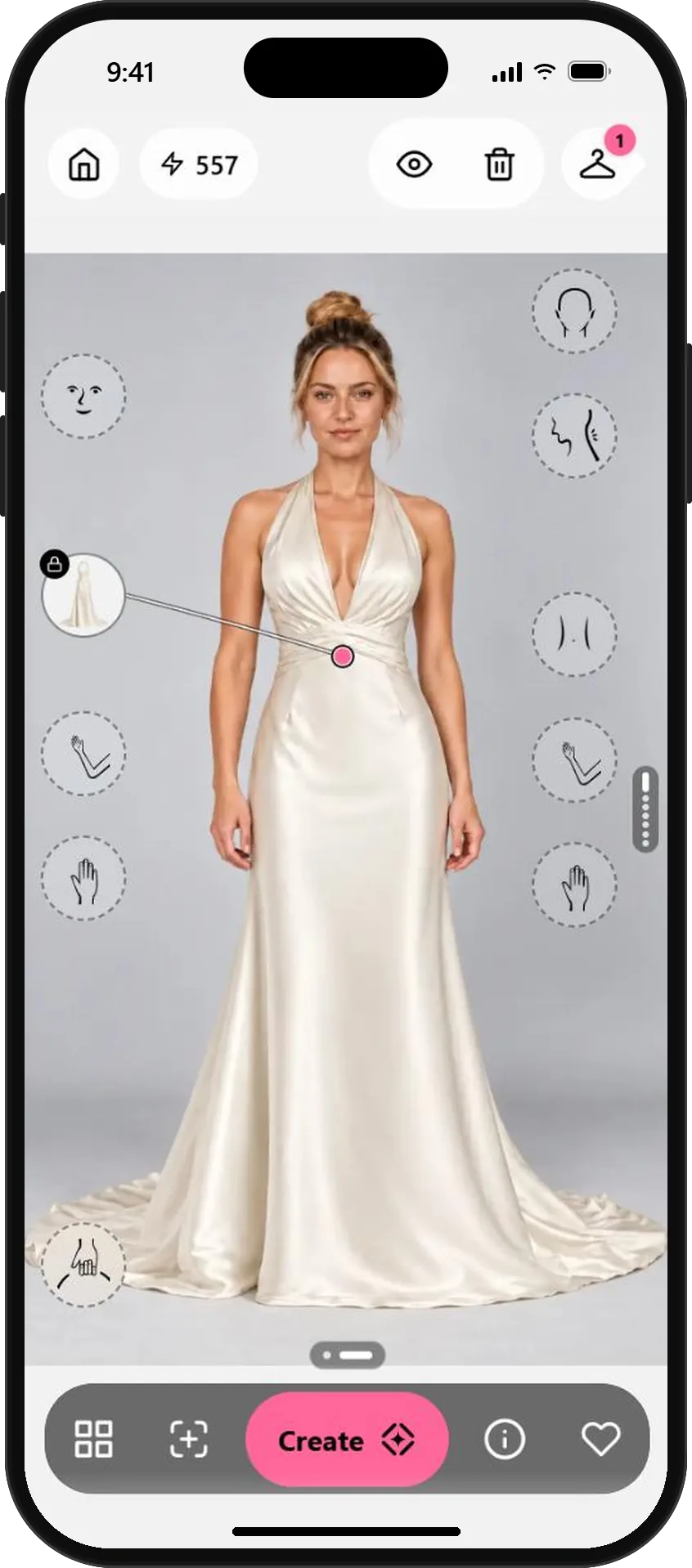
The halter gown, on you - 04
Like your favorites and let friends vote
Tap the heart on every look you love. Liked looks stay together, side by side, and are protected from automatic deletion. Open one and tap Share to send it to your maid of honor, your mom or the group chat, and let the people you trust help you pick the one.
Share the same few looks with everyone, so the votes compare like with like.
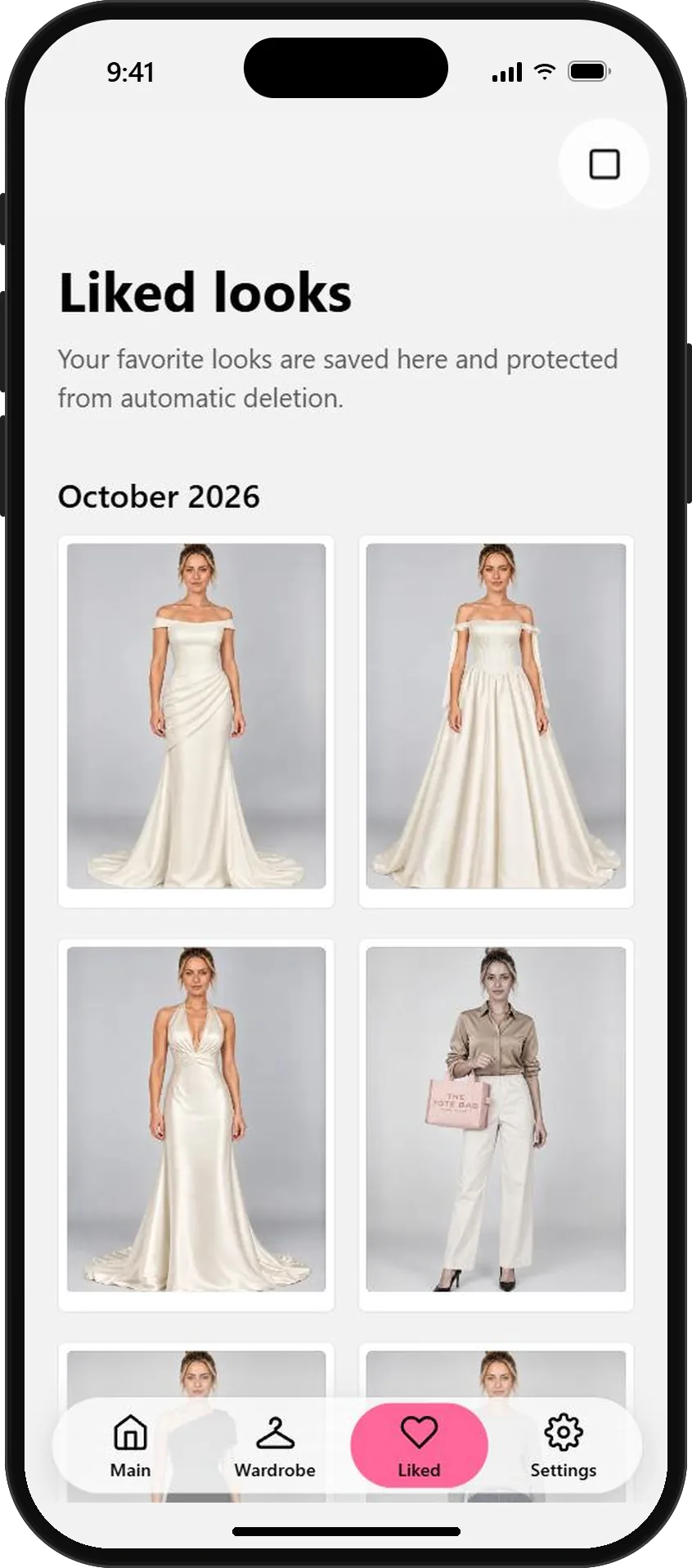
Your favorites, side by side 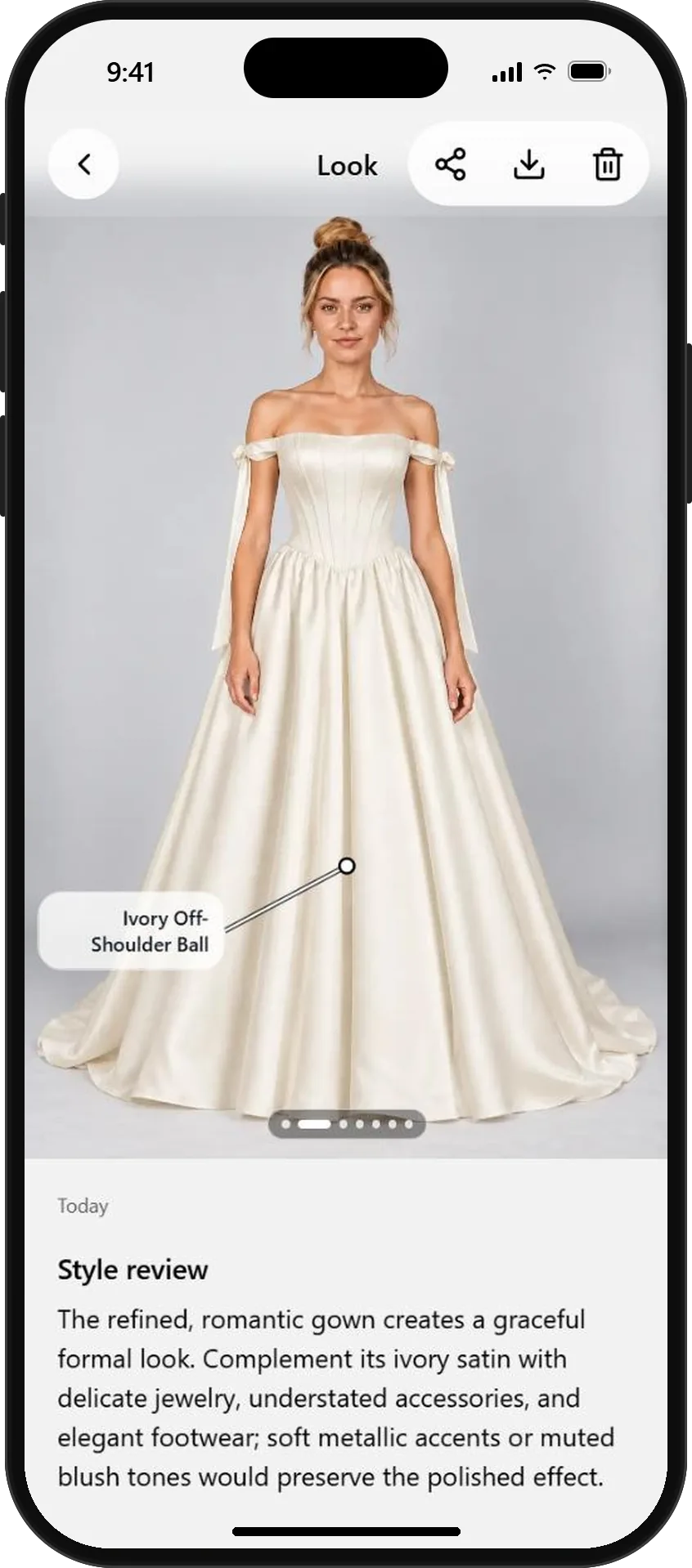
Share any look with the people you trust
AI previews help you imagine a dress on you. Fabric, fit and fine details can differ in real life, so use them to narrow your list, then try the finalists on at the boutique.
What will you wear next?
Start free with your photo and the pieces you love. No credit card needed.