
Profile photo guide Your best photo. In your best outfit.
First impressions on dating apps and social media start with a photo. Try a few outfits on yours and keep the one that feels most like the best version of you.
Get the app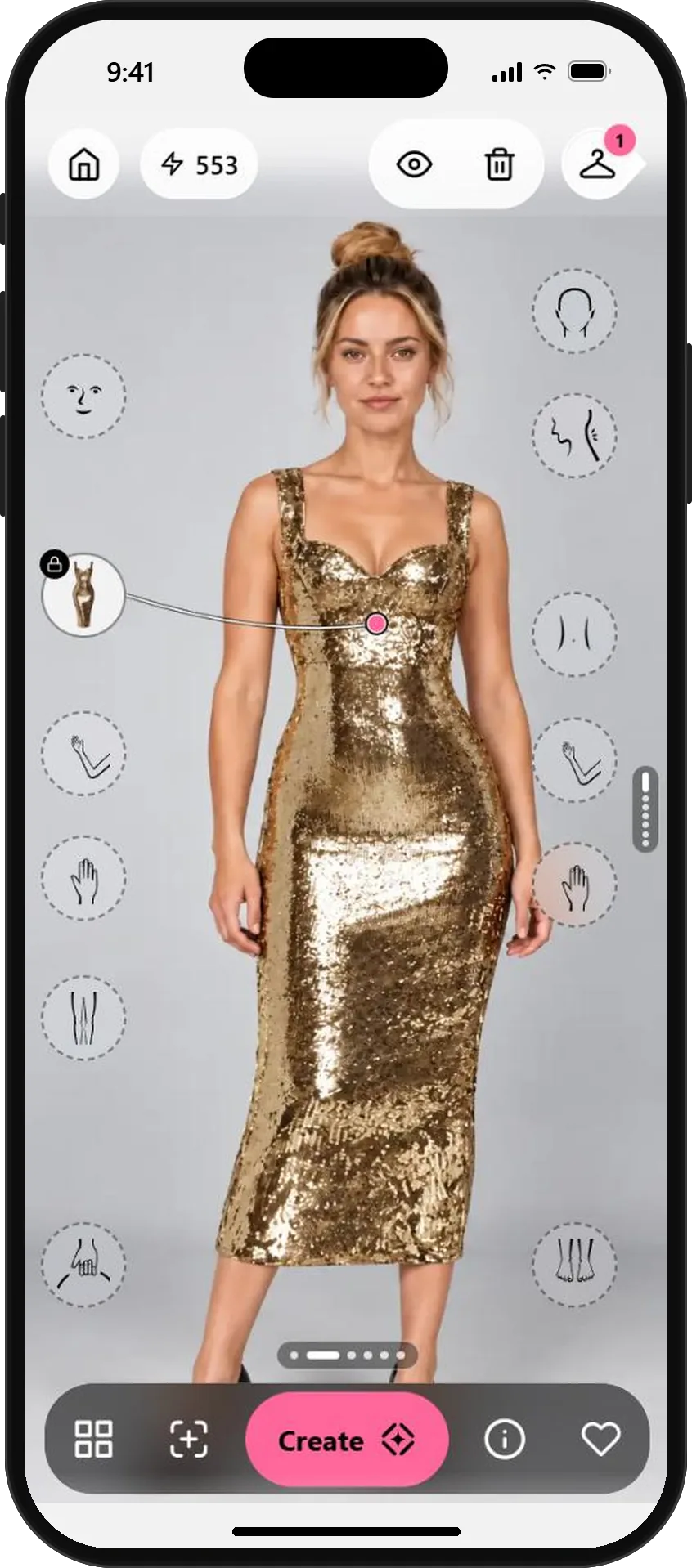
Three steps to a photo you're proud of.
- 01
Start with a photo you like
Choose a well-lit photo with a simple background where you look relaxed. Your expression matters more than your outfit, so start with one you already love.
Full-length photos give the outfit room. Your existing photos are a good starting point.
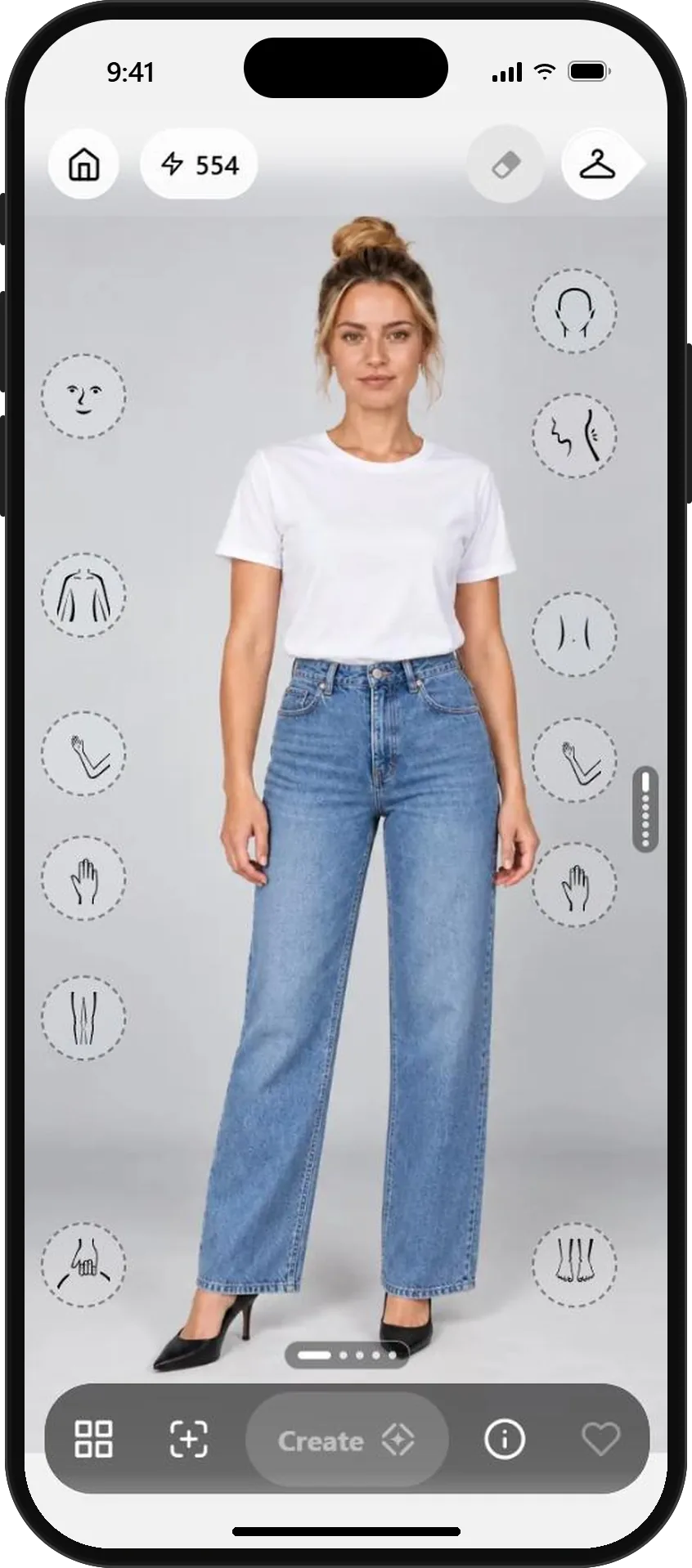
A relaxed, well-lit photo - 02
Try outfits that match the impression you want
Pick a piece that fits the mood, like playful, elegant or casual, and tap Create. Try a couple, so you can compare.
Pick colors that stand out against your background, so you don't fade into it.
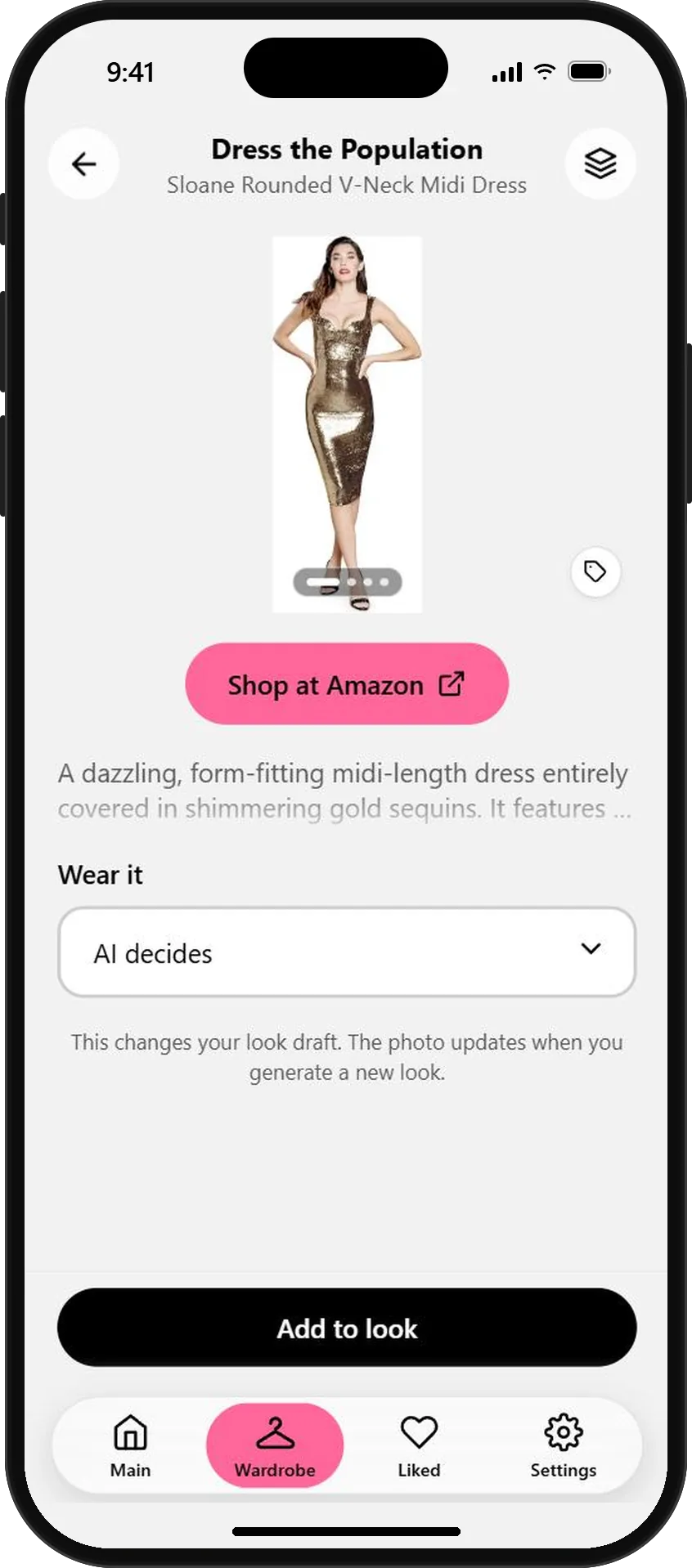
Something with a little sparkle The same photo, a new impression - 03
Use it, or wear it for real
Tap the photo to see it full screen without controls, then Download or Share it. Or use the look as a plan and wear the real outfit to your next photo shoot.
Keep profile photos honest. Outfits change, but the face and smile should be really you.
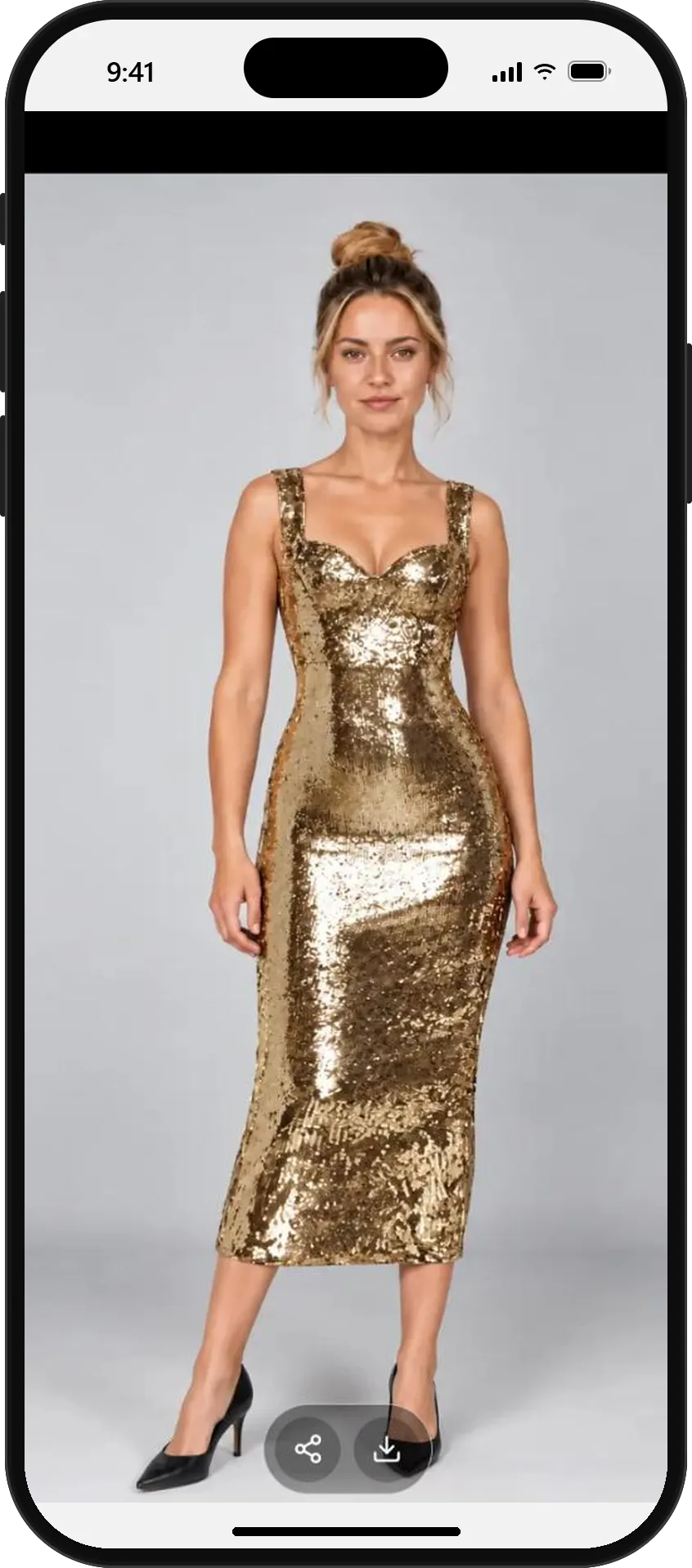
Full screen, ready to share
AI previews show how an outfit could look on you. Use them for photos you're comfortable sharing, and keep them true to how you look.
What will you wear next?
Start free with your photo and the pieces you love. No credit card needed.