
Professional headshot guide Look the part. Without a photo shoot.
A new profile picture shouldn't need a studio or a new suit. Start with a photo you like, dress it in something polished, and download the result.
Get the app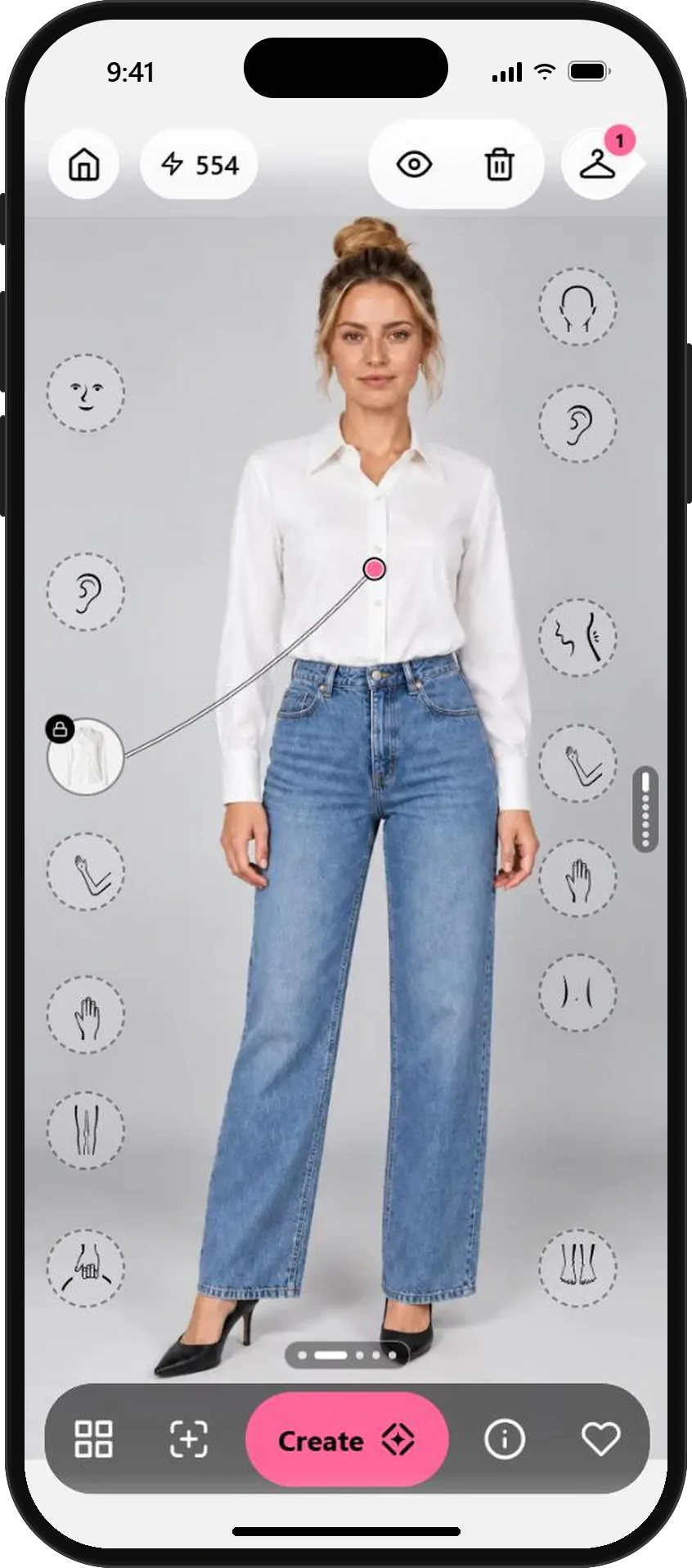
From a casual photo to a polished profile picture.
- 01
Start with a clear photo of you
Open a new look and choose a photo where you face the camera in soft, even light. The app shows the slots where pieces can go: torso, legs, feet, accessories and more.
A plain background and relaxed arms give the cleanest result. Your existing photos are a good place to start.
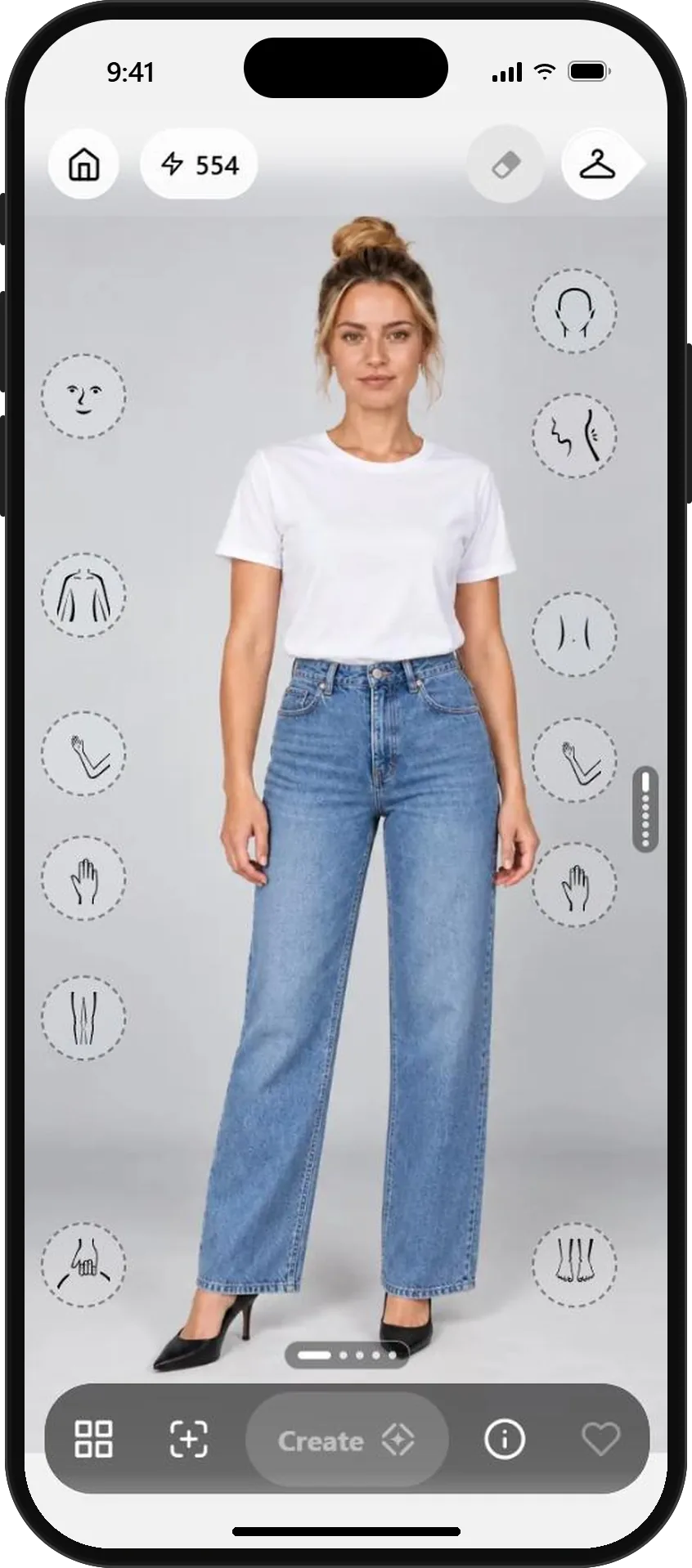
Your photo, ready for new pieces - 02
Pick something polished from the library
In Wardrobe, open Brands and choose a shirt, blouse or jacket that fits your field. Each piece has a description and a link to the shop, so you can buy it later if you like it.
A crisp shirt or soft tailoring reads as professional in almost every industry. Save the bold prints for later.
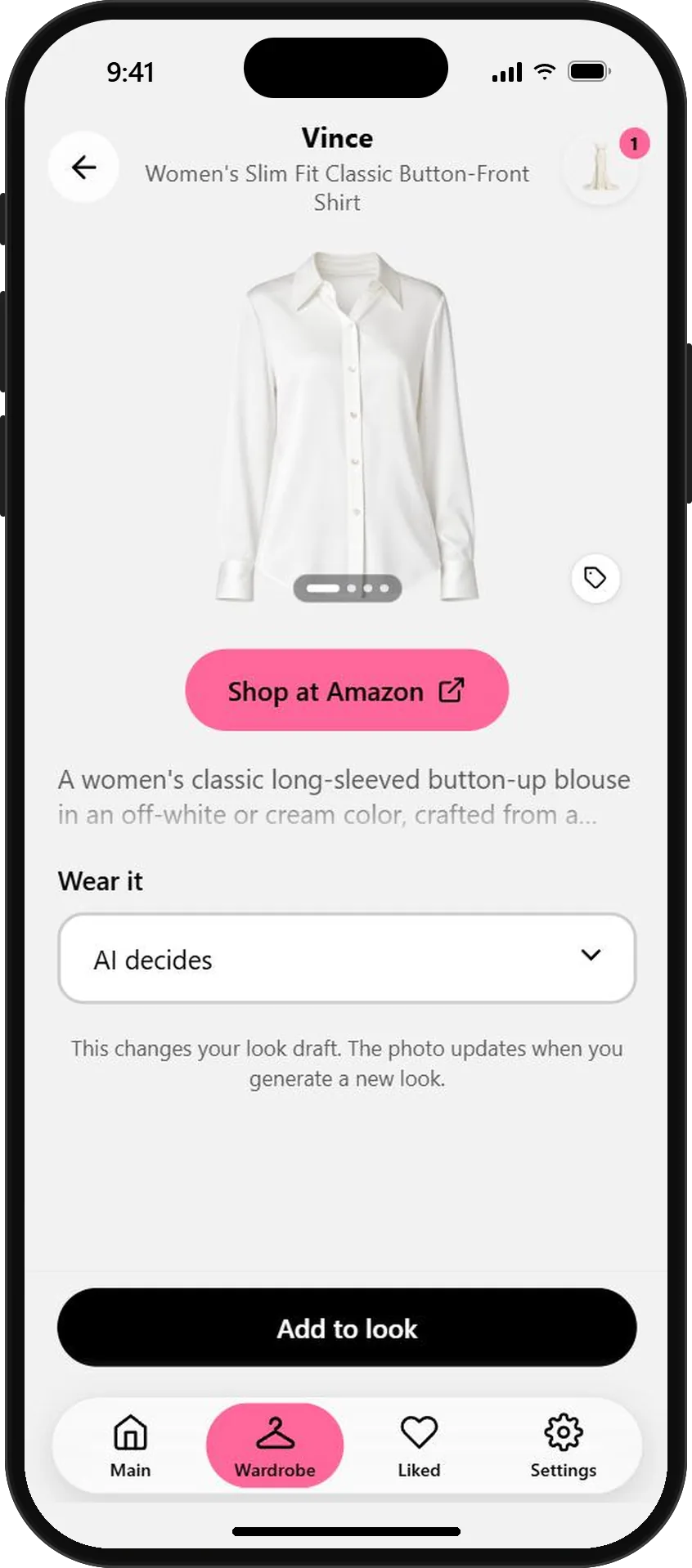
A classic button-front shirt - 03
Create the look
Tap Add to look, then Create. OutfitMe dresses your own photo in the piece and keeps your face, pose and the rest of your outfit.
Not quite right? Try a second piece. Every result stays in Session looks, so you can compare.
The same photo, now business-ready - 04
Download it and use it
Open the look and tap Download to save the image, or Share to send it straight to another app. Crop it to a portrait for LinkedIn, your CV or your team page.
Read the style review under the photo. It suggests small changes, like adding a blazer, for an even sharper result.
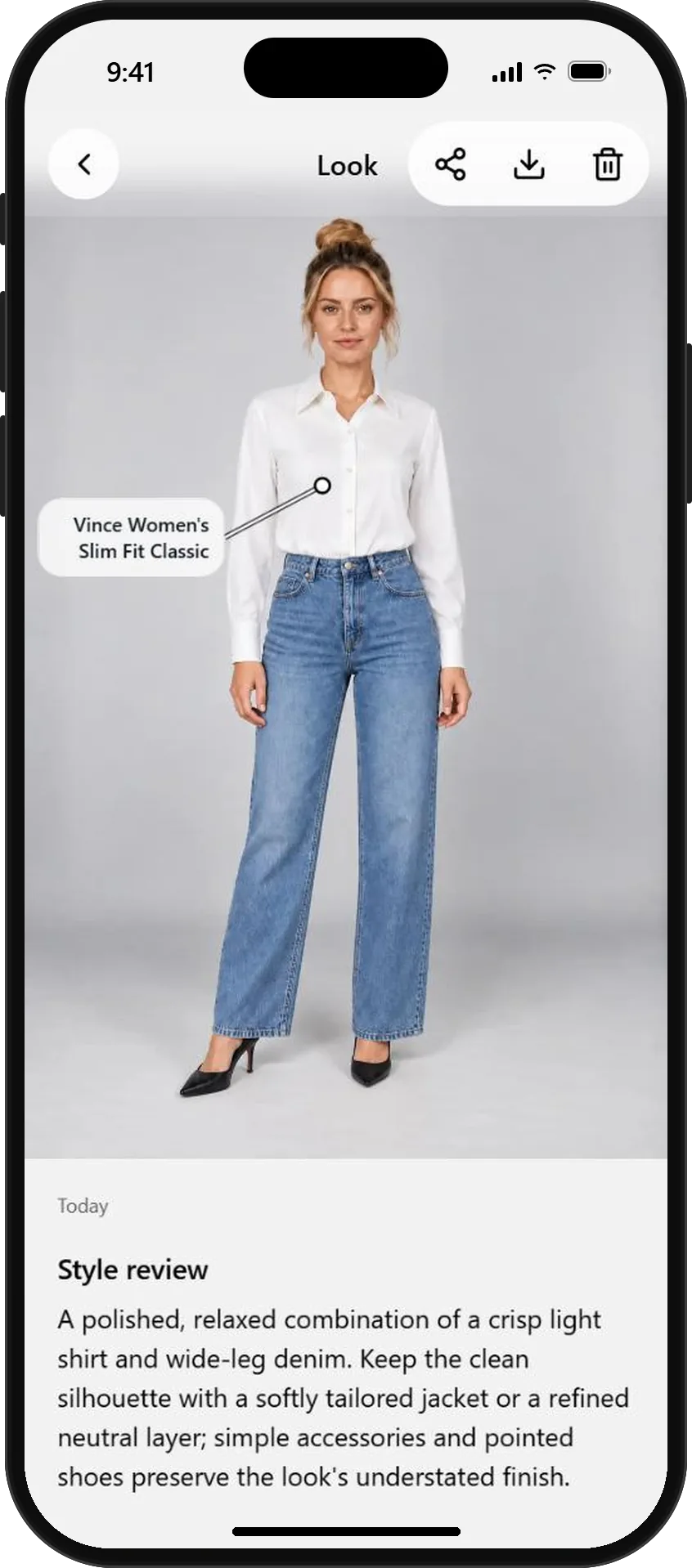
Download, share and get a style review
AI previews show how an outfit could look on you. Use them for profile pictures you are comfortable with, and keep them close to how you really look.
What will you wear next?
Start free with your photo and the pieces you love. No credit card needed.