

New style guide Curious about a new look? Try it risk-free.
A new color or silhouette is easier to commit to once you've seen it on you. Try it with your usual pieces and compare it with how you look today.
Get the app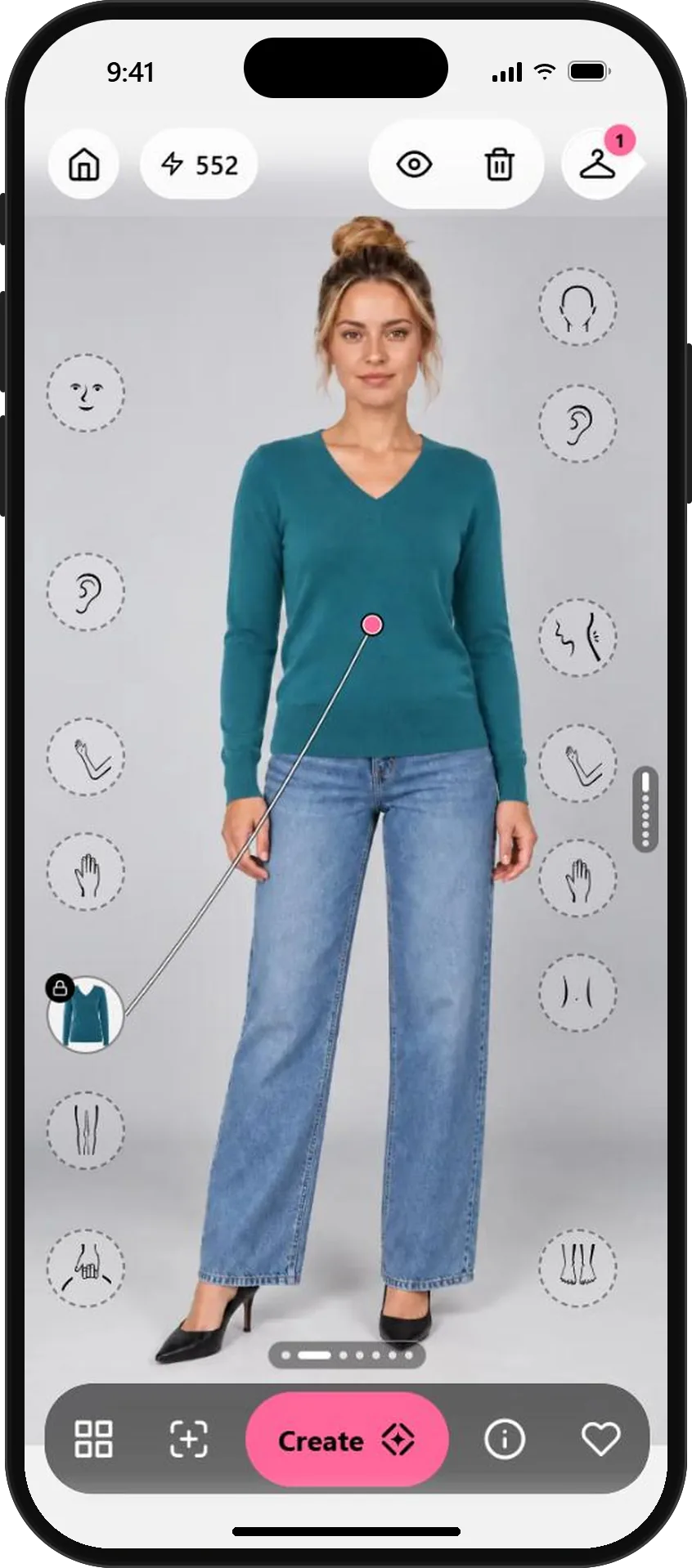
Three steps to a change you'll love.
- 01
Find the color or style you're curious about
In Wardrobe, browse Brands for the trend or color you want to try: a bold knit, a new cut, a different shade.
Colors near your face matter most. Start with tops and sweaters.
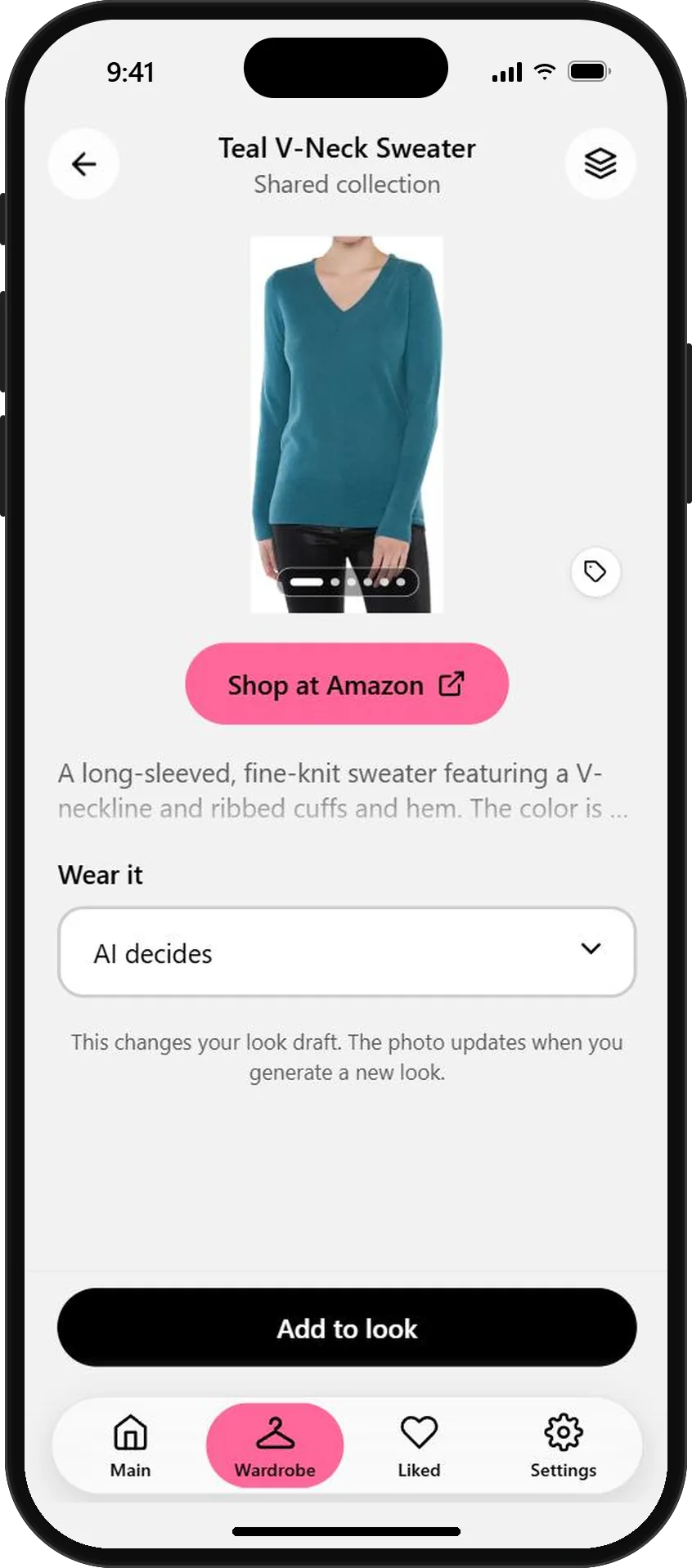
A bold teal you'd never pick in a store - 02
Try it with your usual pieces
Tap Add to look, then Create. The new piece goes into your own outfit, so you see it the way you'd actually wear it.
Keep the rest of the outfit familiar. That makes it clear whether the new piece works.
The new color, with your own jeans - 03
Compare it with today's you
Tap the eye to show your original photo, and again to switch back. Seeing before and after in the same spot makes the decision easy.
Love it? The piece's shop link is in Wardrobe. Not sure? You've lost nothing.
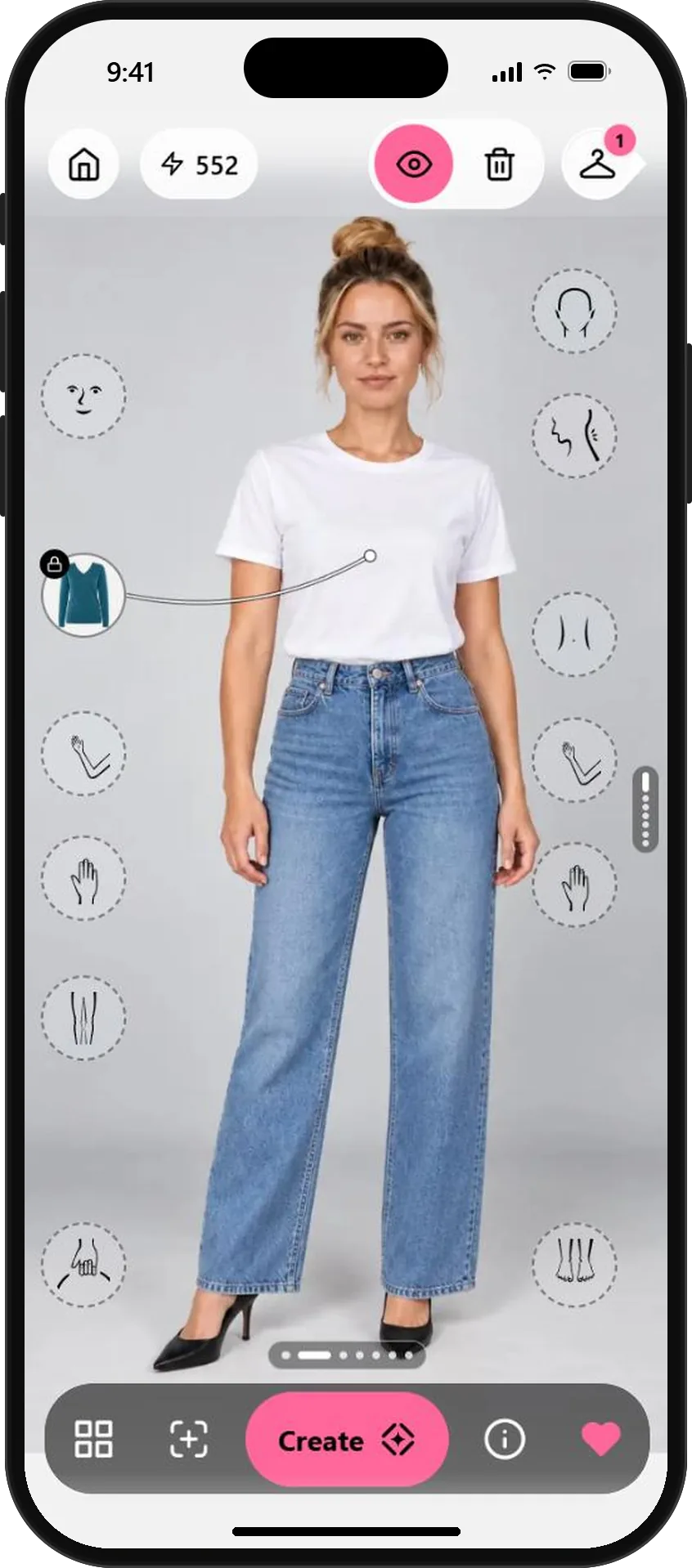
Before: tap the eye to compare
AI previews show how a color or style could look on you. Lighting and fabric can change a color in real life, so check it in daylight too.
What will you wear next?
Start free with your photo and the pieces you love. No credit card needed.